Getting started with MeetIQ
MeetIQ gives you real-time context during meetings so you never have to interrupt to ask "wait, what ticket is that?" Set up in minutes on any desktop platform.
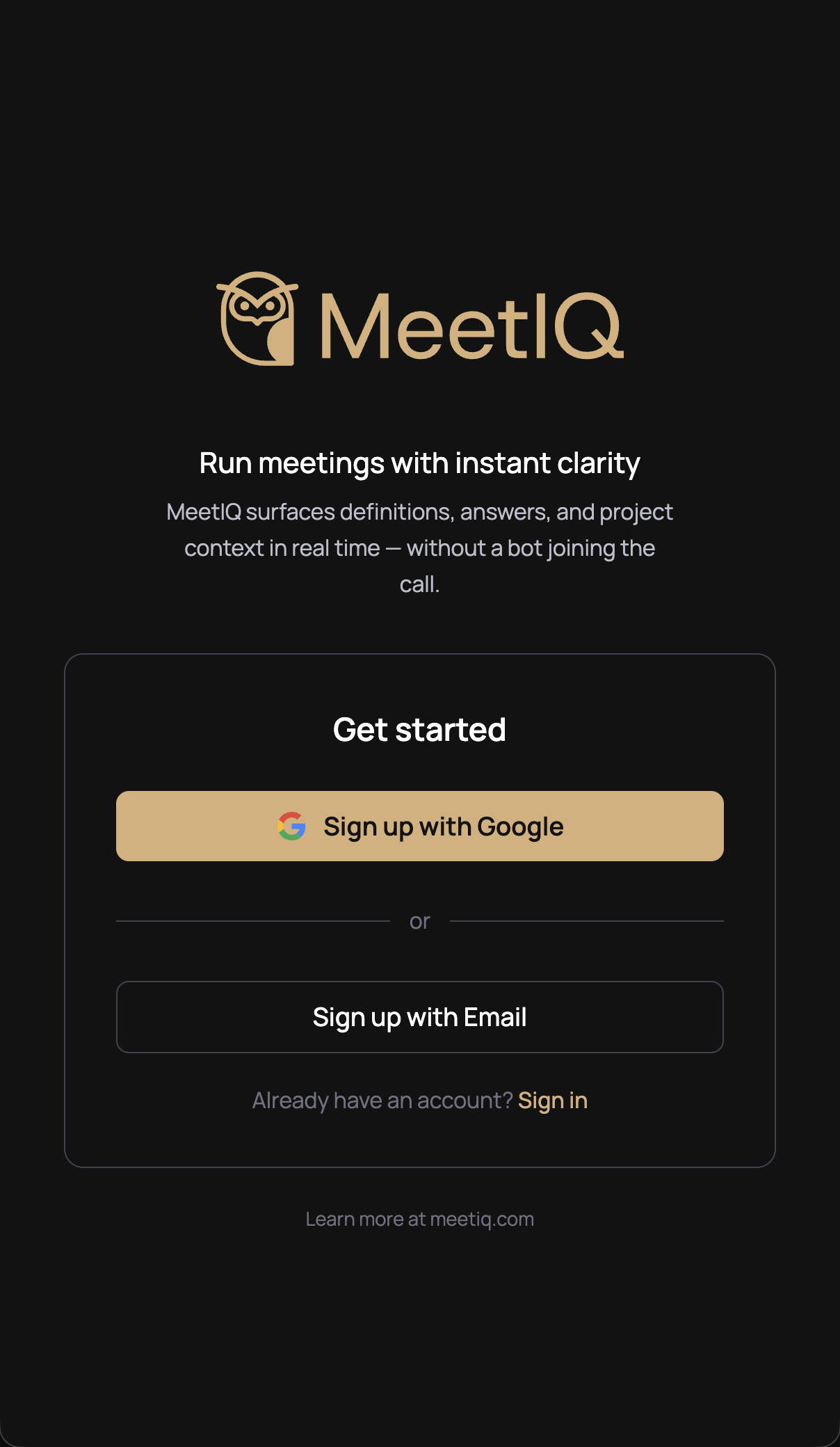
Sign in
Open MeetIQ and sign in with your Google account or email. You will be up and running in seconds.
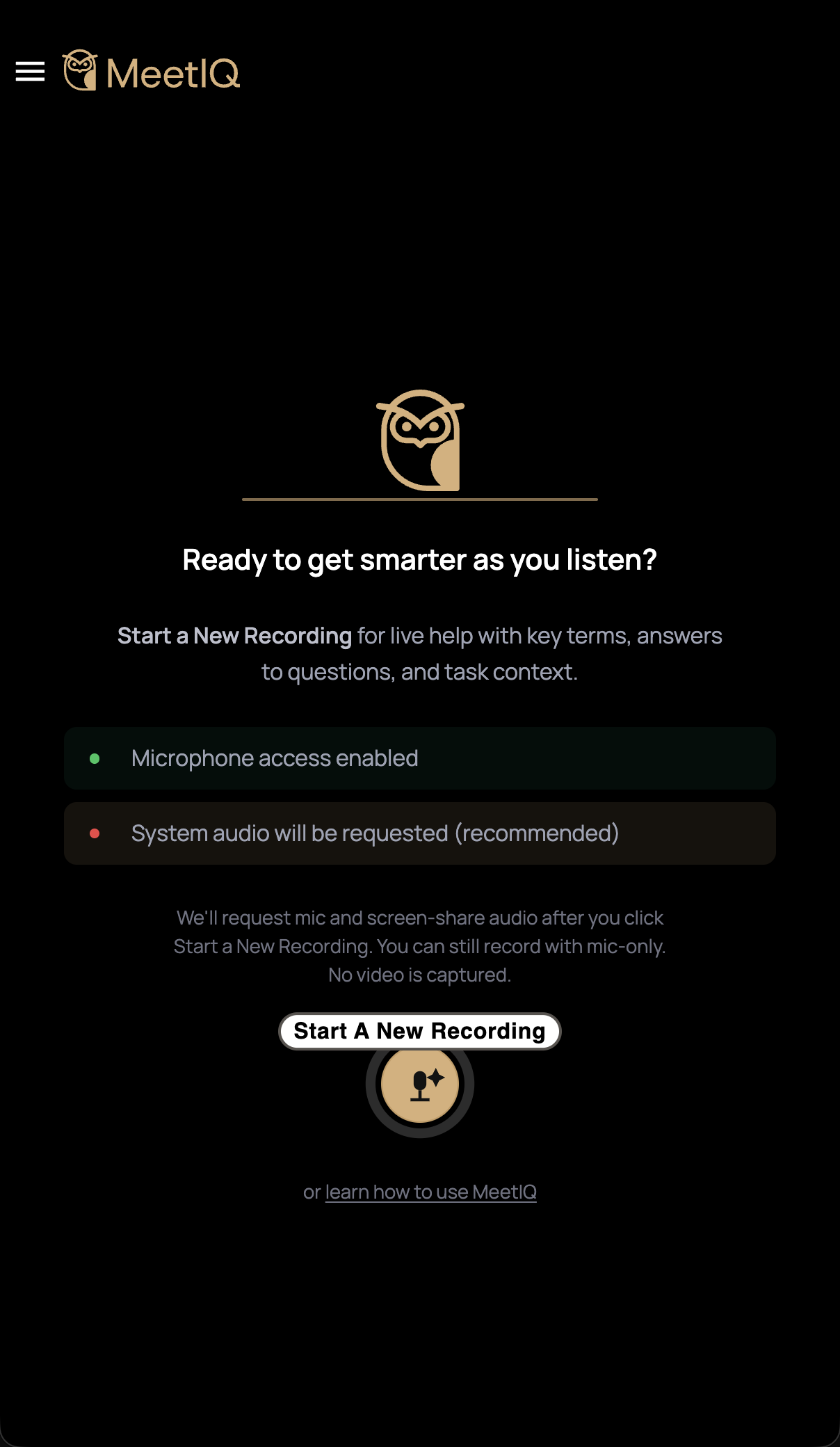
Grant permissions
MeetIQ needs access to your microphone and system audio so it can listen while you meet. Follow the short walkthrough to allow access.
Start a recording
Click "Start a New Recording" and join your meeting. MeetIQ captures any audio playing on your machine, whether that is Zoom, Google Meet, Teams, YouTube, or a podcast. No bot ever joins the call.
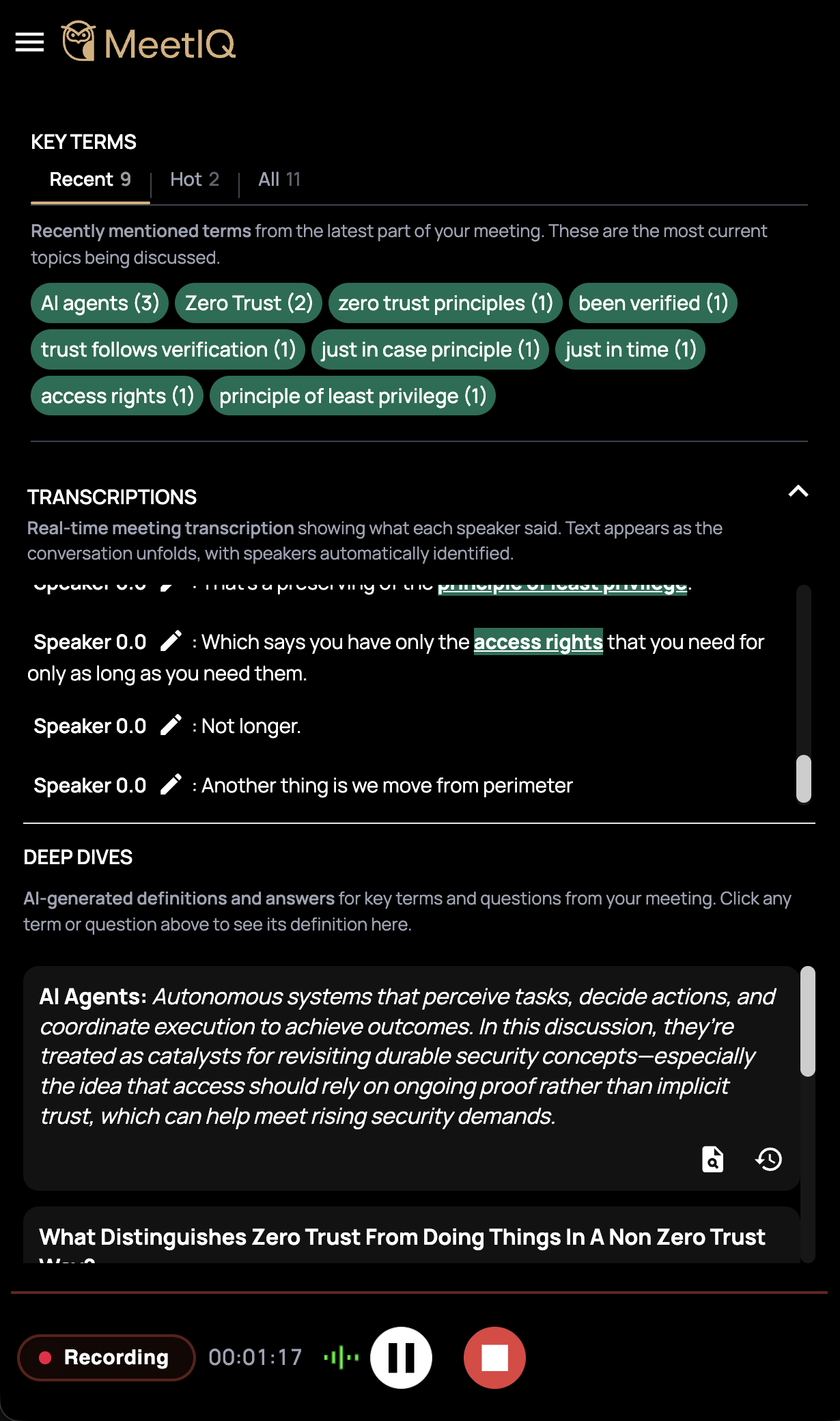
Click key terms for context
As the conversation unfolds, MeetIQ highlights tickets, jargon, acronyms, and work items. Click any term, question, or ticket to get context, whether that is a definition, an answer, or the latest status from your project tracker.
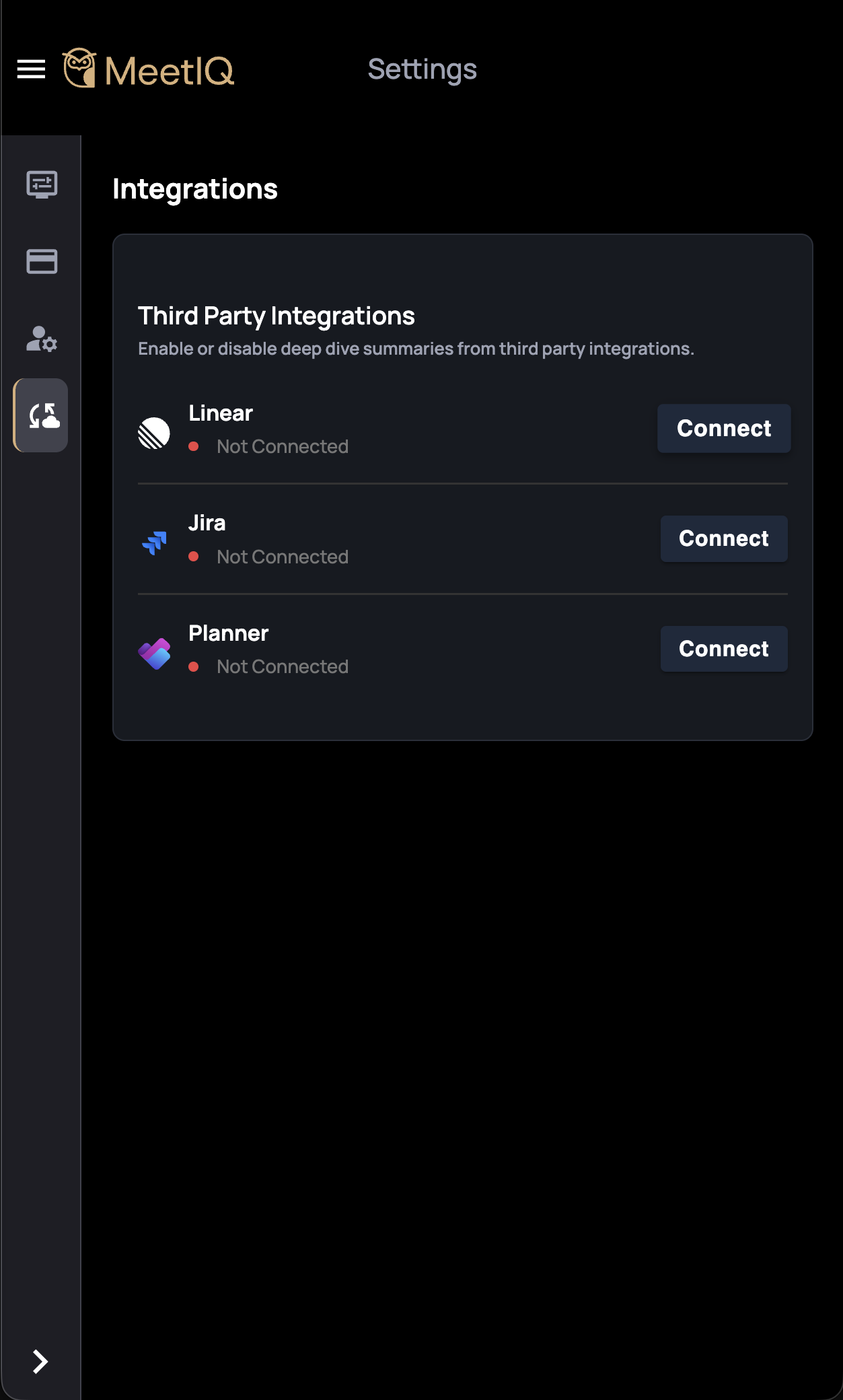
Connect integrations
Open the menu, go to Settings, then Integrations. From there you can connect Jira, Linear, or Microsoft Planner so MeetIQ pulls ticket details directly into the conversation. Set it up once and it works across every meeting.
Your meetings stay private
MeetIQ is a personal tool that runs on your desktop. Here is what you should know about how it handles audio.
What is captured
Microphone and system audio. This is how MeetIQ hears the conversation and delivers real-time context.
What is not captured
No video. No screen content. MeetIQ cannot see your screen, your camera, or anyone else's.
Where audio goes
Audio is sent to a transcription API over an encrypted connection. The resulting transcript is stored as part of your meeting session so you can review it later.
Encrypted in transit
All data between MeetIQ and our servers is encrypted using TLS. Nothing is transmitted in plain text.
Encrypted at rest
Stored data is encrypted at rest. Your meeting content is protected even when it is not actively being processed.
Recording consent
You are responsible for telling meeting participants that audio is being recorded and getting consent where required.
For full details on data handling and retention, see our Privacy Policy.
Ready to try it?
Download MeetIQ and bring real-time context to your next meeting.
Available for Mac, Windows, and Linux
Recording & data disclosure
MeetIQ captures audio from your microphone and system audio output during active recording sessions. Audio data is transmitted over an encrypted (TLS) connection to a third-party transcription service for real-time processing. The resulting transcript text is stored as part of your meeting session to support features such as key-term detection, integration lookups, and post-meeting review.
MeetIQ does not capture video, screen content, or camera feeds at any time. The application runs locally on your device and does not inject participants or bots into your meeting platform.
You are solely responsible for complying with all applicable laws regarding the recording of conversations, including but not limited to obtaining informed consent from all participants where required by your jurisdiction. Failure to disclose recording may violate local, state, or federal wiretapping and eavesdropping laws.
For complete details on data collection, retention, and your rights, please refer to ourPrivacy Policy andTerms of Service.